Network Basics for Small Businesses: What You Actually Need (Without Overcomplicating It)
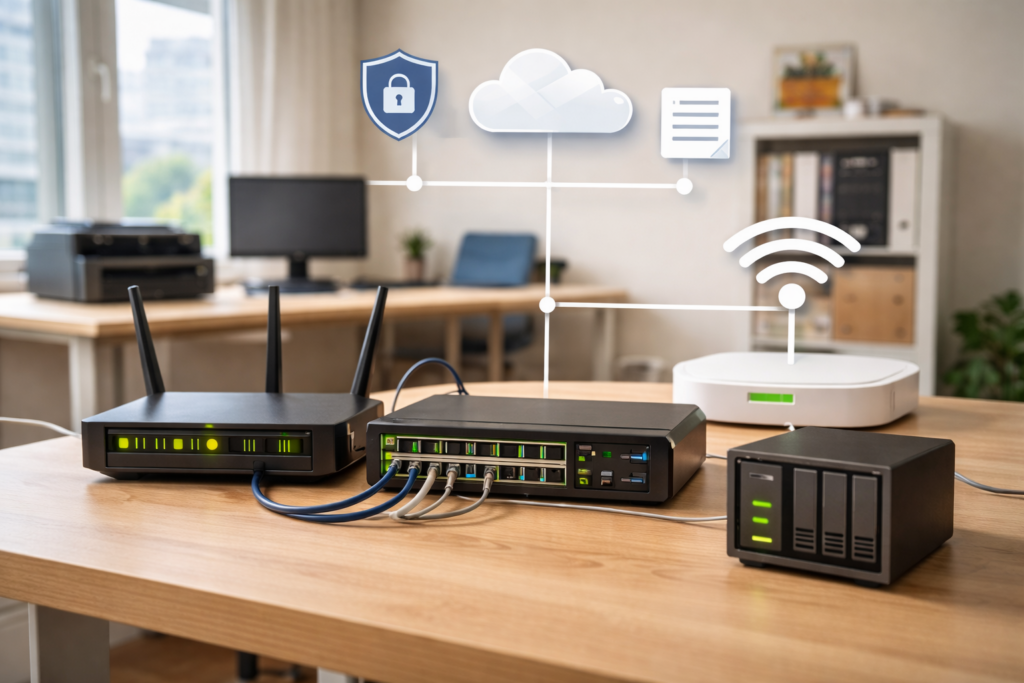
If you run a small office, you probably think your “network” is just the internet connection from your provider.
It’s not.
A proper network is what keeps your computers talking to each other, your printers working, your files accessible, and your business running without daily frustration.
The good news?
You don’t need enterprise gear or a server room.
But you do need the right foundation.
Let’s break it down in simple, practical terms.
Why Small Businesses Still Need Proper Networking
Even if you only have 5–15 employees, your network is the backbone of daily work.
Here’s what it actually handles:
- File sharing between employees
- Access to shared printers
- Internet connectivity
- Internal software systems
- Backups
- Security
When networking is done poorly, you’ll notice:
- Slow internet
- Wi-Fi dropping randomly
- Printers “offline” for no reason
- Employees restarting routers daily
- General frustration
A stable network is invisible.
You only notice it when it fails.
Core Components of a Small Office Network
Let’s keep this simple.
1. Router
The router connects your office to your ISP (Internet Service Provider).
Most providers give you a basic modem/router combo device.
For very small setups (1–3 devices), that may be enough.
For 10+ devices? Usually not.
A business-grade router gives you:
- Better stability
- Better firewall control
- VLAN support
- More reliable performance under load
2. Switch
A switch connects multiple wired devices inside your office.
Think of it as a power strip — but for network cables.
If you have:
- 8 computers
- 1 printer
- 1 NAS
- 2 access points
You’ll need more ports than a basic ISP router provides.
Switches come in:
- Unmanaged (plug & play)
- Managed (VLAN, monitoring, traffic control)
For small businesses, even a basic managed switch is a smart investment.
3. Access Points (Wi-Fi)
Wi-Fi built into ISP routers is rarely designed for full office coverage.
If you have:
- Thick walls
- Multiple rooms
- 10+ wireless devices
You’ll want dedicated access points mounted properly (preferably ceiling or high wall).
One good access point is better than three cheap repeaters.
4. Firewall
Some routers include firewall features.
A proper firewall:
- Blocks suspicious traffic
- Allows port control
- Separates networks
- Protects internal devices
Security should never be an afterthought — even in small offices.
Small businesses are often targeted precisely because they assume they’re “too small” to matter.
Wired vs Wireless: What Should You Use?
Short answer: Both.
Wired (Ethernet)
Pros:
- Stable
- Faster
- Lower latency
- More secure
Best for:
- Desktop PCs
- Servers
- NAS devices
- VoIP phones
If a device doesn’t move — cable it.
Wireless (Wi-Fi)
Pros:
- Flexible
- Easy deployment
- Cleaner workspace
Best for:
- Laptops
- Phones
- Tablets
- Guest access
Wi-Fi should support your business — not carry its entire infrastructure.
Basic Network Design for 5–20 Employees
Most small offices should use a star topology.
That means:
All devices connect back to a central switch.
Simple. Clean. Reliable.
Recommended Layout:
ISP → Business Router → Managed Switch →
• Desktop PCs
• NAS
• Printers
• Access Points
Separate Guest Wi-Fi
One of the biggest mistakes I see:
Guests connected to the same network as office computers.
Create a separate guest network:
- Internet access only
- No access to internal devices
- Isolated from main LAN
It improves both security and performance.
Common Mistakes Small Businesses Make
After years in IT support, these are the most common problems I encounter:
1. One Cheap Router Doing Everything
ISP modem handling:
- 15 devices
- Wi-Fi
- Firewall
- DHCP
- VPN
That device was not built for that workload.
2. No Backup Strategy
Network is not just internet.
If you don’t have:
- Local backups
- NAS backups
- Cloud backups
You don’t have a plan.
And recovery after ransomware or disk failure is painful.
3. No Documentation
Nobody knows:
- IP ranges
- Passwords
- Admin access
- Cable layout
Until something breaks.
Even a simple one-page network diagram can save hours later.
4. Poor Wi-Fi Placement
Access point:
- Hidden in a cabinet
- Under a desk
- Behind metal shelves
Wi-Fi needs space and elevation.
Signal physics doesn’t care about aesthetics.
5. No Network Segmentation
Everything on one flat network:
- Computers
- IP cameras
- Printers
- Guest phones
That’s unnecessary risk.
Even basic VLAN separation improves control and safety.
A Simple Recommended Setup (Practical Example)
For a 10–15 person office, I would typically recommend:
- Business-grade router
- 16 or 24-port managed switch
- 1–2 quality access points
- Small NAS for backups
- Structured cabling with labeled ports
You don’t need enterprise rack cabinets or thousands of euros in hardware.
You need:
- Stability
- Proper planning
- Clean layout
- Basic security
That’s it.
Do You Need Enterprise Equipment?
No.
But you also shouldn’t rely on:
- Consumer-grade routers
- Random Wi-Fi extenders
- Mixed hardware from five different brands
Consistency and planning matter more than brand names.
Final Thoughts
A good small business network should be:
- Stable
- Predictable
- Secure
- Scalable
You shouldn’t have to reboot your router every week.
You shouldn’t have printers randomly disappearing.
And you definitely shouldn’t panic every time someone says, “The internet is slow.”
A properly designed network is boring.
And in IT — boring is good.
If you run a small office and are unsure whether your network is designed properly, start with the basics:
- Check your hardware
- Check your topology
- Check your backup strategy
- Separate guest access
Small improvements today prevent big problems tomorrow.
3 Comments