Basic Office Networking Explained (No IT Background Needed)
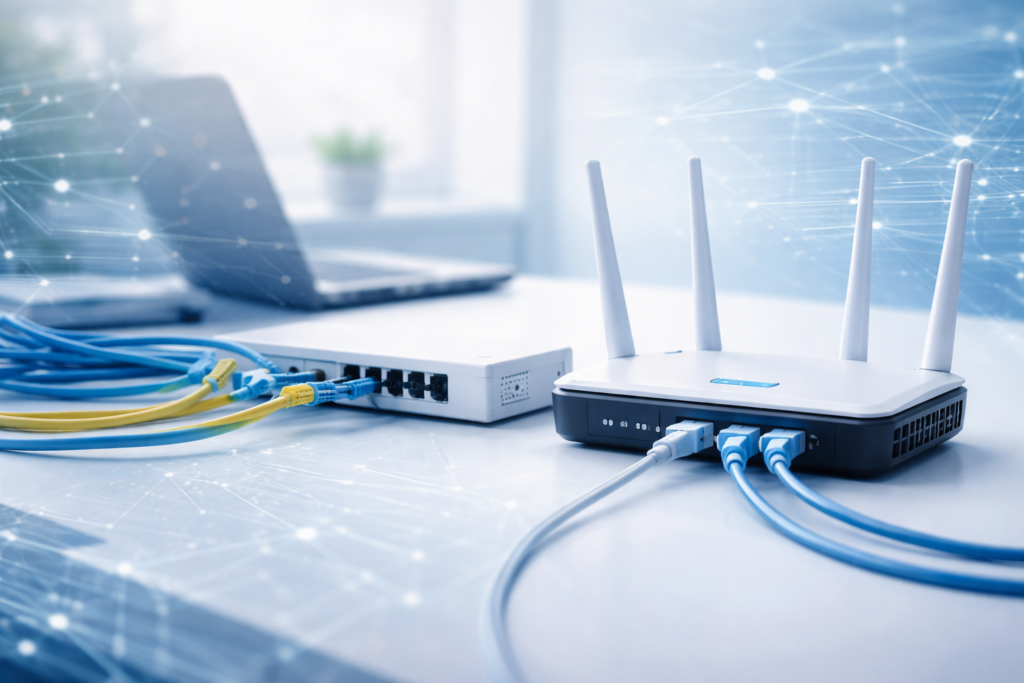
A simple explanation for beginners and small offices
If you’re new to IT or running a small office without dedicated IT support, networking can feel confusing fast.
Routers, switches, cables, Wi-Fi, IP addresses — everyone talks about them, but few explain how they actually fit together.
This article explains office networking basics in plain language, without jargon and without assuming prior knowledge.
What Is a Network (In Simple Terms)?
A network is just a way for devices to talk to each other.
In a small office, a network allows:
- computers to access the internet
- employees to share files
- printers to be used by everyone
- cloud services to work reliably
If devices need to communicate, you need a network.
A Typical Small Office Network
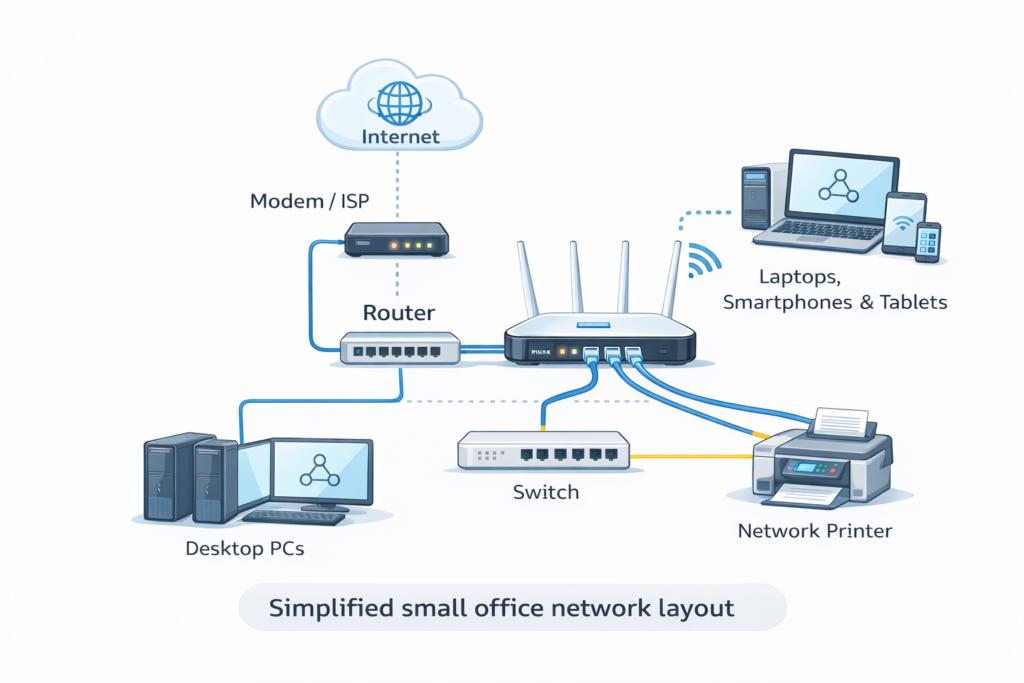
Most small offices have something like this:
- Internet connection from an ISP
- A router
- One or more computers
- Possibly a printer
- Wi-Fi for laptops and phones
That’s already a network — even if it doesn’t look complicated.
Router, Switch, Modem — What’s the Difference?
This is where beginners usually get stuck.
Modem
The modem connects your office to your internet provider.
Sometimes it’s a separate device, sometimes built into the router.
Router
The router is the brain of the network.
It:
- connects your office to the internet
- assigns addresses to devices
- protects your network (basic firewall)
Every small office needs a router.
Switch
A switch is used when you have more wired devices than the router has ports.
It simply allows multiple devices to connect to the same network.
If you have:
- many desktop PCs
- servers
- wired printers
You probably need a switch.
Wired vs Wi-Fi (Which Is Better?)
Both have their place.
Wired Network (Ethernet)
- faster
- more stable
- better for desktops and printers
Wi-Fi
- convenient
- flexible
- necessary for laptops and phones
Best practice:
Use wired connections where possible, Wi-Fi where needed.
IP Addresses (Don’t Panic)
An IP address is just a number that identifies a device on the network.
You usually don’t need to touch this:
- the router assigns IP addresses automatically
- everything works in the background
If someone tells you to “configure IP addresses” for a small office, ask why first.
Common Beginner Mistakes
These cause most small office problems:
- Using cheap routers meant for home use
- Placing Wi-Fi routers in bad locations
- Mixing cables and equipment randomly
- Ignoring firmware updates
- No backups of router settings
Most network issues come from simple oversights, not complexity.
Basic Network Best Practices
You don’t need to be an expert to do this right.
- Use a decent business-grade router
- Keep firmware updated
- Use strong Wi-Fi passwords
- Label cables if possible
- Restart networking equipment occasionally (yes, really)
Small habits prevent big problems.
Do You Need an IT Expert?
Not always.
If your office has:
- under 10 people
- basic internet and file usage
- cloud services
You can manage the basics yourself with some guidance.
When things grow or become critical — that’s when professional help makes sense.
Final Thoughts
Office networking doesn’t have to be scary or complex.
For most small offices and beginners in IT, the goal is simple:
👉 Stable internet
👉 Reliable connections
👉 Minimal downtime
Once you understand the basics, everything else builds on top of that.