What Are IoT Devices (And Why Your Office Already Has Too Many)
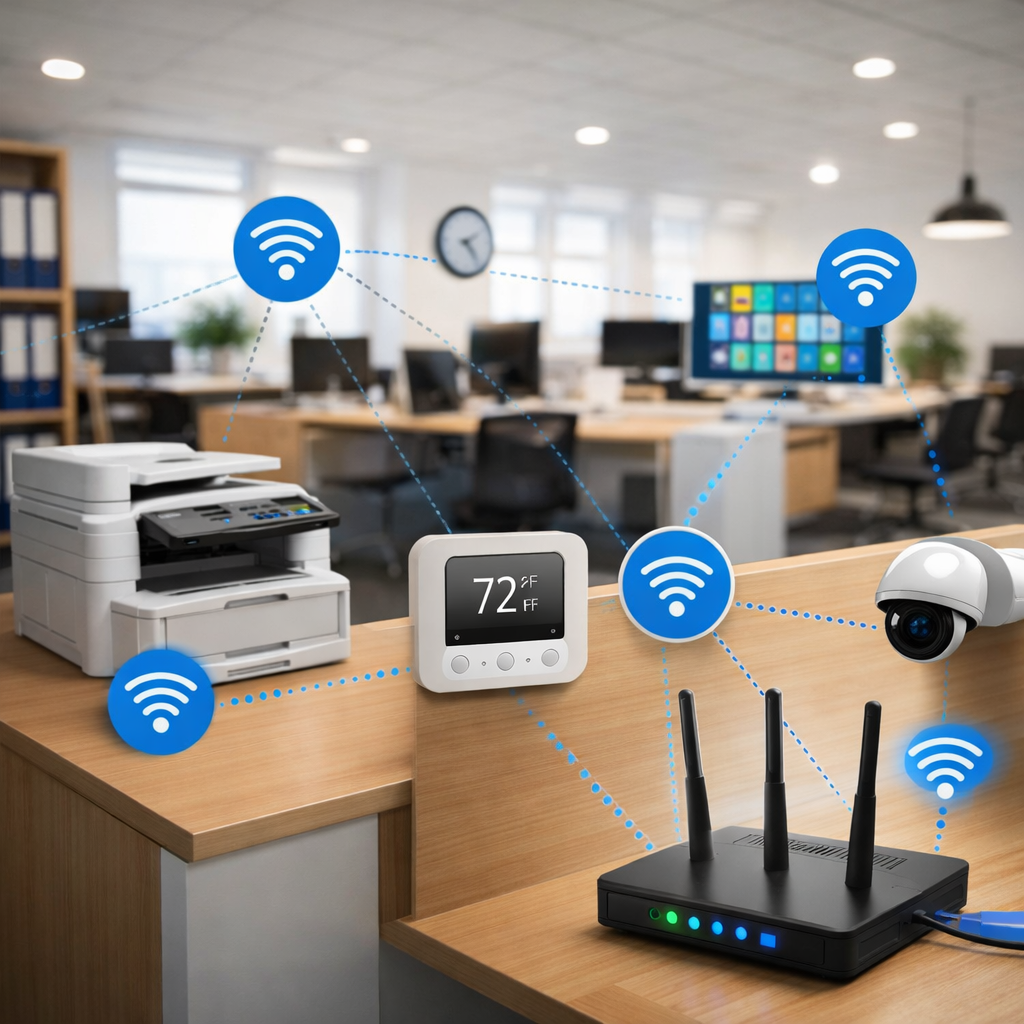
If you think your office only has computers and phones connected to WiFi… think again.
Most modern offices are full of IoT devices—often without realizing it.
And they can seriously affect your network.
📡 What Does IoT Mean?
IoT = Internet of Things
👉 It simply means:
Devices that connect to the internet but are not traditional computers
🧩 Common IoT Devices in Offices
You probably already have several of these:
- 🖨️ Network printers
- 📷 Security cameras
- 🌡️ Smart thermostats
- 💡 Smart lighting
- 📺 Smart TVs
- ☕ Smart coffee machines (yes, really)
- 🔐 Smart door locks
👉 Each one connects to your network
⚠️ Why IoT Devices Can Be a Problem
Individually, they seem harmless.
But together?
❗ 1. They overload your network
- Constant background traffic
- Poorly optimized connections
❗ 2. Weak security
Many IoT devices:
- Have default passwords
- Rarely get updates
- Are easy targets for attacks
❗ 3. Hard to manage
- No central control
- Hard to track
- Easy to forget they exist
🧠 Real Example (very common)
Small office setup:
- 10 employees
- 10 laptops
- 10 phones
Seems fine, right?
Now add:
- 3 printers
- 4 cameras
- 2 smart TVs
- 1 thermostat
👉 Suddenly you have 30+ connected devices
And your router starts struggling.
📶 How IoT Affects Your WiFi
This is why:
- WiFi becomes unstable
- Speeds drop randomly
- Calls start breaking
👉 Not because of internet speed
👉 But because of too many active connections
✅ How to Handle IoT Devices Properly
🟢 1. Put them on a separate network
Use:
- Guest network
- VLAN (advanced)
👉 Keeps main network clean and secure
🟢 2. Change default passwords
Never leave:
- admin/admin
- default credentials
🟢 3. Update firmware (if possible)
Even cheap devices sometimes support updates
🟢 4. Limit unnecessary devices
Ask:
Do we really need this connected?
🟢 5. Use proper network setup
- Router + access points
- Not one overloaded device
👉 (As explained in our Router vs Access Point guide)
💡 Pro Tip (important)
IoT devices don’t need:
- High speed
- Priority bandwidth
👉 They need:
- stable connection
- isolation from critical devices
🔚 Final Thoughts
IoT devices are everywhere—and growing fast.
They make offices more convenient, but:
- increase network load
- create security risks
- reduce performance if unmanaged
👉 The goal is not to remove them—but to control them
🔗 Related Articles